Catalogues and Import & export

Supplier catalogues, price lists and import and export

Alumetric is not tied to one supplier. Each company you buy from is a catalogue of sections, options and profiles that you can edit in detail, so every member is cut to the right length for your systems, and catalogue updates arrive ready to apply when you choose.

Your suppliers' catalogues, your prices

Hold as many supplier systems as you like, edit every profile, and import a price list from a PDF or spreadsheet.

Catalogue editor

  • Multi-company catalogues: hold as many supplier systems as you like and switch per quote
  • Edit each supplier's sections and options in one place, including the parts and gaskets that go with them
  • Per-profile data: thickness, width, length, mass, paint perimeter, anodise perimeter, colour, glass thickness range and weight capacity
  • Every member is sized automatically for the opening, so cut lengths follow the frame you build
  • Option groups such as main frame, mullion, bead and hardware colour, plus your own custom groups
  • Catalogue tables for profiles, meshes, paint rates, stock finishes and global option items

Everyday tables and prices

  • Tables page for colours (standard powder, special powder, anodised), reveals, glass types and app settings
  • Supplier price-list import from PDF, image, CSV, XLSX or TXT, with a review grid, unit selection, per-row verification and bulk tick or untick before applying
  • Supplier catalogue updates delivered to you, applied when you choose

Related: Import & export, Glass
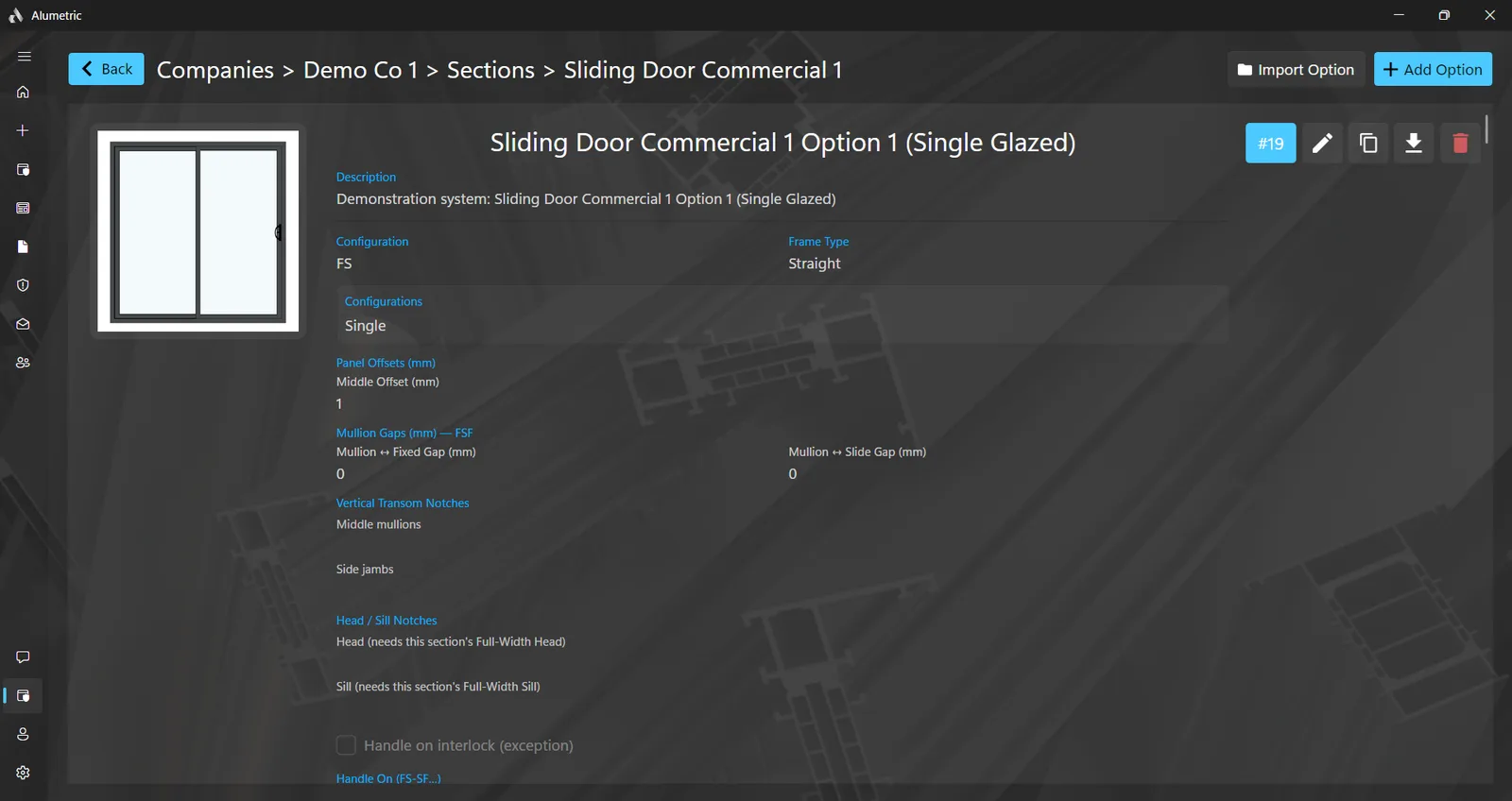
The catalogue editor open on a sliding door option under Companies, Sections and Options

Move quotes, catalogues and CAD files

Quotes, catalogues and cross-sections all leave the program in formats other software reads: a quote as a single file for another computer, a supplier catalogue as a package, and every item's cross-sections as millimetre-accurate DXF and DWG drawings.

Quote and catalogue files

  • Export a whole quote as a single file, for backup or to move it to another computer, and import it again
  • Export and import a whole supplier catalogue as one package
  • Export and import an individual system or option, including its profiles and images
  • Guided matching on import: match incoming frames to the ones you already own, and skip options you do not carry

CAD, images and PDFs

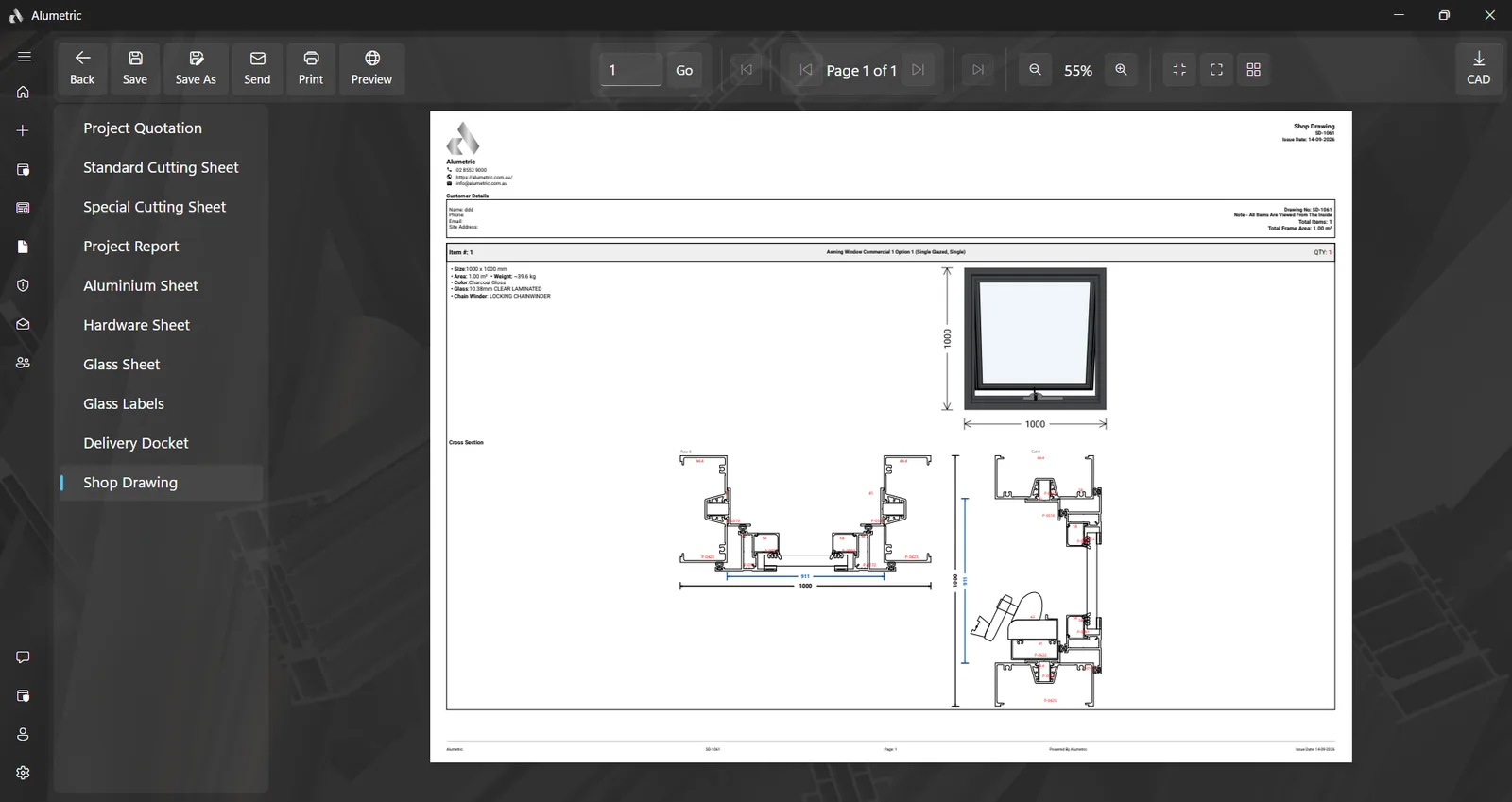
  • CAD export: true-scale millimetre DXF and DWG files of every item's cross-sections, one pair per item
  • Save the 3D view as a PNG image or an MP4 video
  • Every PDF can be saved to disk or emailed from inside the program
  • Upload plans and schedules as PDF or image straight into the Build List

Related: Documents, Catalogues, Local, LAN & Cloud

A shop drawing with dimensioned cross-sections and the CAD export button

Try it with your own job

Ask for a demo and we will build one of your windows in front of you.